Email remains one of the most effective channels for sales, marketing, lead generation, recruitment, and customer communication. But even a well-written email campaign can fail if you're sending messages to poor-quality or invalid email addresses.
A high email bounce rate can reduce campaign performance, waste sending resources, and make it harder to maintain strong email deliverability.
The good news is that many unnecessary bounces can be prevented with better email data hygiene, email verification, and responsible sending practices.
In this guide, we'll explain what email bounces are, why bounce rates matter, the difference between hard and soft bounces, and how you can reduce email bounce rates before they affect your campaigns.
What Is an Email Bounce?
An email bounce occurs when an email cannot be successfully delivered to the intended recipient.
When an email server rejects or cannot deliver your message, the sending system receives a bounce notification.
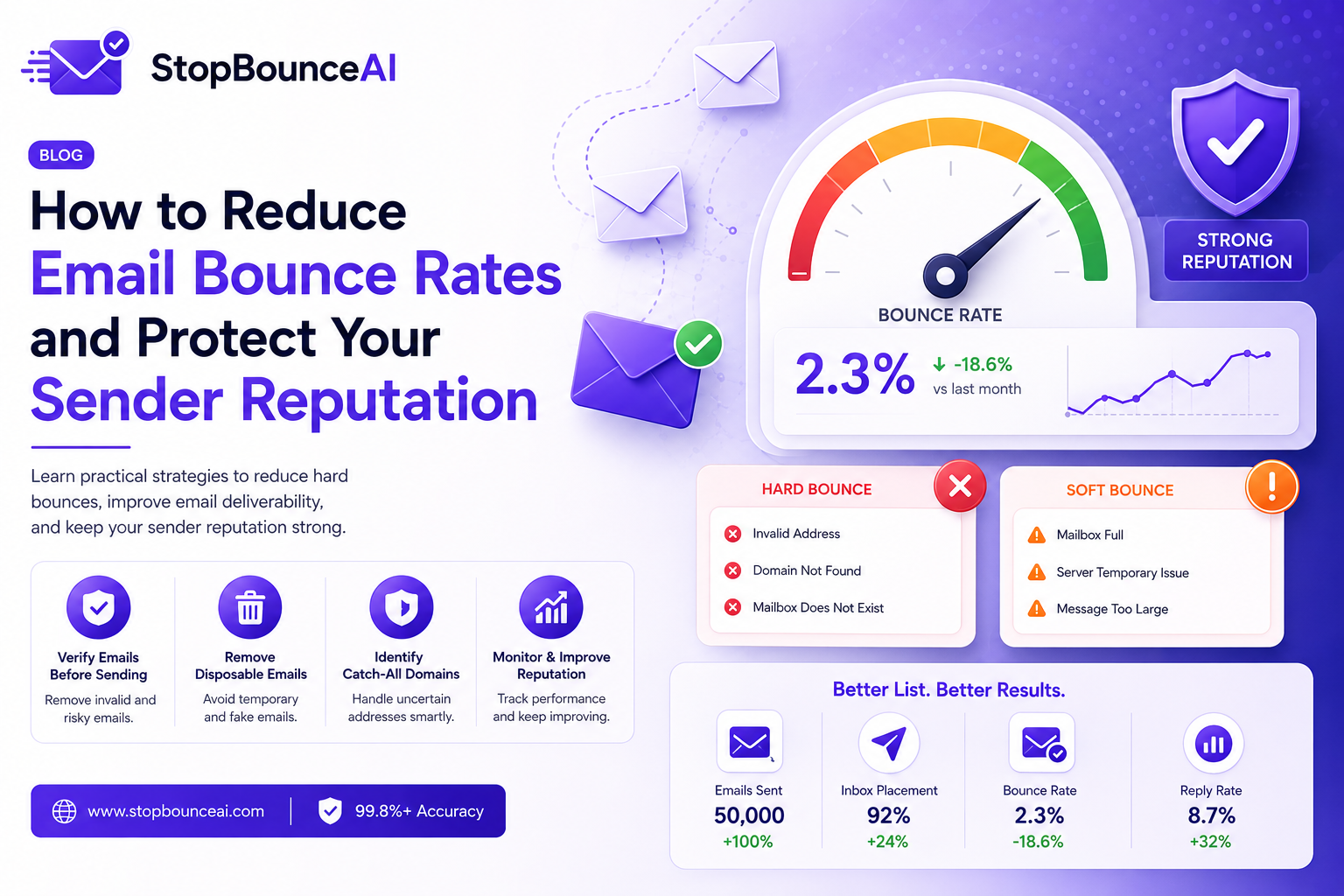
Bounces generally fall into two main categories:
- Hard bounces
- Soft bounces
Understanding the difference is important because each type requires a different approach.
What Is a Hard Bounce?
A hard bounce is generally a permanent delivery failure.
It usually means the email address cannot receive your message.
Common causes include:
- Invalid email address
- Non-existent mailbox
- Non-existent domain
- Incorrect email address
- Permanently unavailable recipient
- Blocked or rejected recipient
For example, if your database contains:
john@companyexample.com
but the domain no longer exists, messages sent to that address may result in a hard bounce.
Why Are Hard Bounces a Problem?
Continuing to send emails to addresses that consistently fail can reduce the quality of your email database and create unnecessary delivery problems.
The best approach is to identify these addresses before sending and remove them from your active campaign lists.
What Is a Soft Bounce?
A soft bounce is usually a temporary delivery problem.
The email address may still be valid, but the receiving server cannot accept the message at that moment.
Common causes include:
- Full recipient mailbox
- Temporary server issue
- Receiving server unavailable
- Message too large
- Temporary receiving restrictions
A soft bounce does not always mean that an address should be permanently removed.
However, repeated soft bounces should be monitored carefully.
Why Is Email Bounce Rate Important?
Your email bounce rate tells you how many emails from a campaign were not successfully delivered.
For example, if you send 10,000 emails and 300 bounce, your bounce rate is:
300 ÷ 10,000 × 100 = 3%
A high bounce rate can indicate that your contact database contains outdated, invalid, or risky email addresses.
It can also make it more difficult to evaluate the real performance of your campaign.
That's why reducing unnecessary bounces should be part of every email marketing and outbound sales strategy.
What Causes High Email Bounce Rates?
There isn't always one reason behind a high bounce rate.
Several factors can contribute to poor email delivery.
1. Invalid Email Addresses
Typos, outdated contacts, and incorrectly collected email addresses are common causes of hard bounces.
For example:
john.smith@company.com
may have been entered as:
john.smith@compnay.com
A single spelling mistake can make the address undeliverable.
2. Outdated Email Lists
Email databases become outdated over time.
People change jobs, companies close, domains change, and mailboxes are deleted.
A list that was accurate several months ago may contain a significant number of outdated addresses today.
This is especially important for B2B databases.
3. Disposable Email Addresses
Disposable email addresses are temporary accounts that may only exist for a short period.
They are often unsuitable for:
- B2B outreach
- Sales campaigns
- Recruitment
- CRM databases
- Long-term customer communication
Removing disposable addresses can help improve the overall quality of your email list.
4. Catch-All Domains
Catch-all domains accept email for multiple addresses, including addresses that may not correspond to actual individual mailboxes.
This makes these addresses more difficult to verify with certainty.
If your database contains a large number of catch-all addresses, you should consider them separately when managing campaign risk.
5. Poor Data Sources
Lead lists collected from outdated databases, unreliable sources, or manual data entry may contain inaccurate contact information.
The quality of your email campaign can never be better than the quality of your underlying data.
How to Reduce Email Bounce Rates
Reducing email bounce rates starts before you press the Send button.
Here are practical ways to improve your email list quality and reduce avoidable bounces.
1. Verify Emails Before Sending
One of the most effective ways to reduce avoidable email bounces is to verify email addresses before sending.
Email verification can analyze signals such as:
- Syntax
- Domain
- MX records
- SMTP
- Mailbox signals
- Disposable email status
- Catch-all status
- Risk indicators
Instead of sending blindly to every address in your database, you can identify potentially problematic contacts first.
2. Remove Invalid Email Addresses
If an address is determined to be invalid, continuing to send campaigns to it provides little value.
Remove clearly invalid addresses from your active sending lists.
This keeps your database cleaner and prevents repeated delivery failures.
3. Identify Disposable Emails
Disposable addresses may not be appropriate for long-term business outreach.
Use an email verification tool to identify temporary email providers and decide whether those addresses should be excluded from your campaigns.
4. Identify Catch-All Domains
Catch-all addresses require special attention because the receiving server may accept emails even when the individual mailbox cannot be confidently verified.
Rather than automatically treating them as fully verified, classify them separately and use an appropriate sending strategy.
5. Keep Your Email Database Updated
Email verification should not be a one-time task.
Your contact database changes constantly.
Employees change companies. Businesses change domains. Mailboxes become inactive.
Regularly reviewing and verifying your database can help maintain better data quality over time.
6. Avoid Sending to Old, Unverified Lists
An old database may contain thousands of contacts that are no longer valid.
Before launching a large campaign using an old list, consider verifying the addresses first.
This is particularly important when working with:
- Purchased databases
- Scraped lead lists
- Old CRM exports
- Event attendee lists
- Historical prospect databases
7. Monitor Your Bounce Rate
Don't wait until a campaign performs badly to look at your bounce rate.
Monitor your campaign results and investigate unusual increases.
A sudden increase in bounces may indicate:
- Poor-quality data
- An outdated list
- A collection problem
- Domain issues
- Sending configuration problems
Monitoring helps you identify problems earlier.
How Email Verification Helps Reduce Bounce Rates
Email verification works as a quality-control layer between your contact database and your email campaign.
A typical workflow looks like this:
Collect Contacts → Clean Data → Verify Emails → Remove Invalid Addresses → Segment Risky Contacts → Send Campaign
This approach helps prevent obvious problems from reaching your sending platform.
For example:
Before Verification
- 100,000 Contacts
- 86,000 potentially valid
- 7,000 invalid
- 4,000 disposable
- 2,000 catch-all
- 1,000 risky
Instead of sending to all 100,000 contacts, your team can review the verification results and build a more appropriate campaign list.
The exact results will vary depending on the quality and source of your data.
Protecting Your Sender Reputation
Reducing bounce rates is only one part of maintaining good email deliverability.
Your sender reputation can be influenced by many factors, including:
- Bounce rates
- Spam complaints
- Recipient engagement
- Sending volume
- Domain reputation
- Authentication
- Sending consistency
- Email content
- List quality
Maintaining clean recipient data is therefore an important part of a broader deliverability strategy.
Set Up SPF, DKIM, and DMARC
Email authentication is another important part of responsible email sending.
SPF
Sender Policy Framework (SPF) helps identify which servers are authorized to send email for your domain.
DKIM
DomainKeys Identified Mail (DKIM) adds a cryptographic signature that helps receiving servers verify that an email was authorized by the sending domain.
DMARC
Domain-based Message Authentication, Reporting & Conformance (DMARC) builds on SPF and DKIM and provides policies and reporting mechanisms for domain owners.
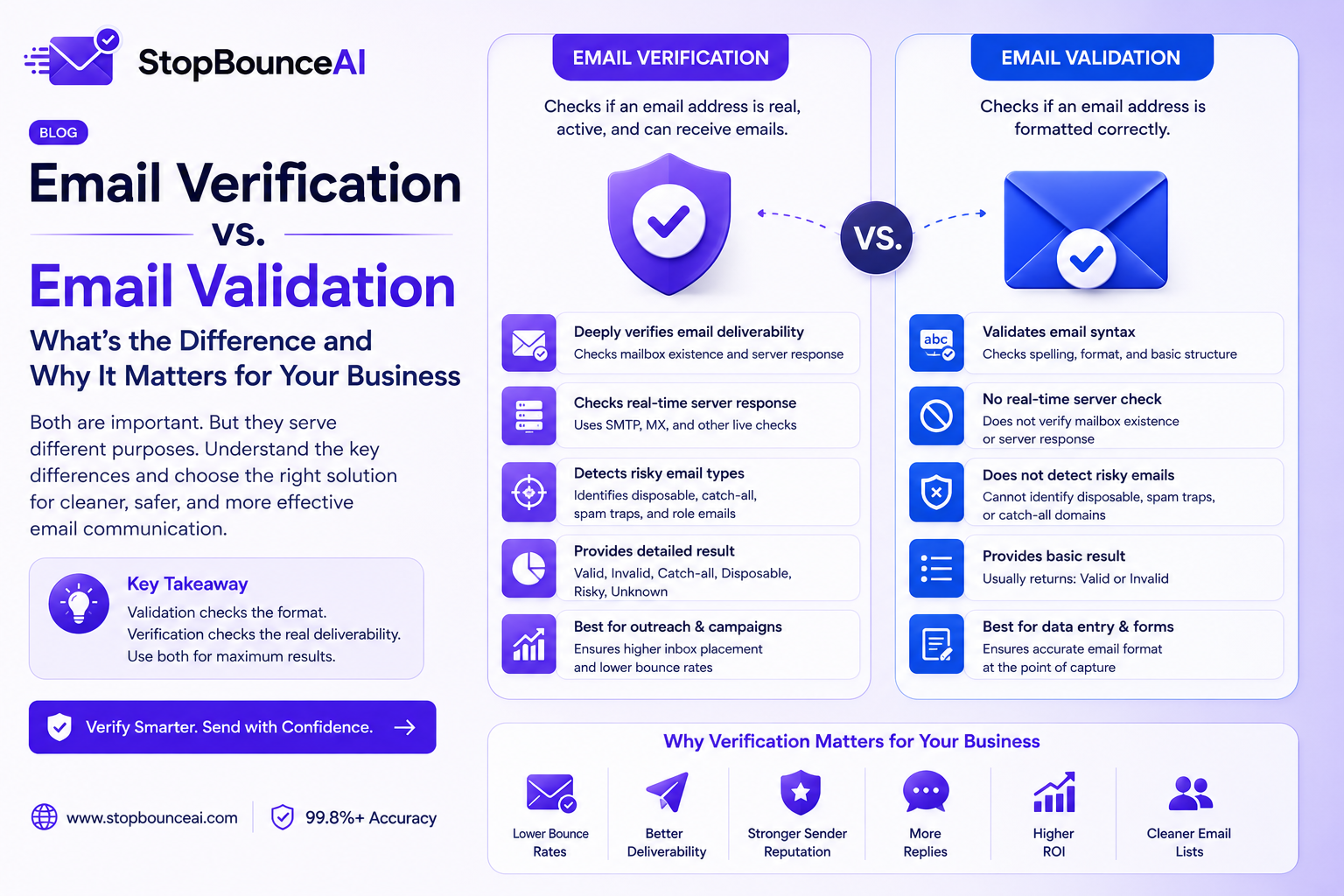
Email verification and authentication serve different purposes.
Email verification focuses on recipient data.
SPF, DKIM, and DMARC focus on sender authentication.
Both are important components of a strong email deliverability strategy.
Email Bounce Rate vs. Email Deliverability
These terms are related but they are not the same.
Email Bounce Rate
Bounce rate measures how many sent emails could not be delivered.
Email Deliverability
Deliverability refers more broadly to the ability of your emails to reach recipients successfully, including whether they reach the inbox rather than being filtered or rejected.
Reducing invalid addresses can help reduce unnecessary bounces, but email verification alone cannot guarantee inbox placement.
What Is a Good Email Bounce Rate?
There is no universal bounce-rate number that applies equally to every sender, industry, campaign, or email provider.
Instead of focusing only on a single benchmark, businesses should monitor their own historical performance and investigate significant changes.
If your bounce rate suddenly increases, examine:
- The source of your contact data
- How recently the list was verified
- Whether your data collection process changed
- Whether specific domains are generating more failures
- Whether your sending infrastructure has changed
A consistent data-quality process is more valuable than chasing an arbitrary number.
Why Clean Email Lists Produce Better Campaigns
A clean email list doesn't guarantee a successful campaign.
Your offer, message, targeting, sender reputation, content, timing, and engagement all matter.
But poor-quality email data can make every other part of your campaign less effective.
With cleaner data, your team can:
- Reach more legitimate recipients
- Reduce avoidable bounces
- Improve campaign reporting
- Save sending resources
- Maintain better CRM data
- Focus on higher-quality prospects
Better data creates a stronger foundation for your outreach.
How StopBounceAI Helps Reduce Email Bounce Risk
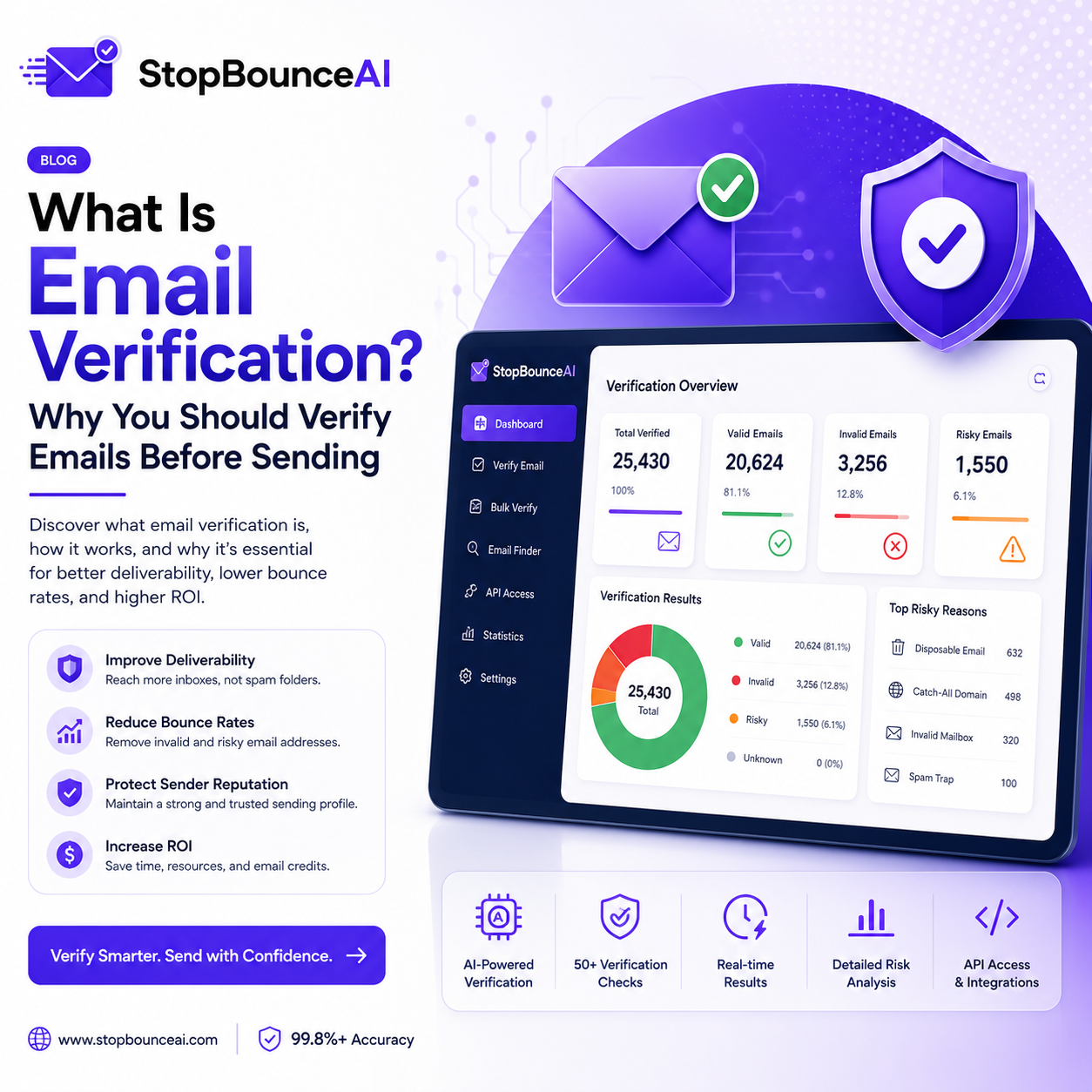
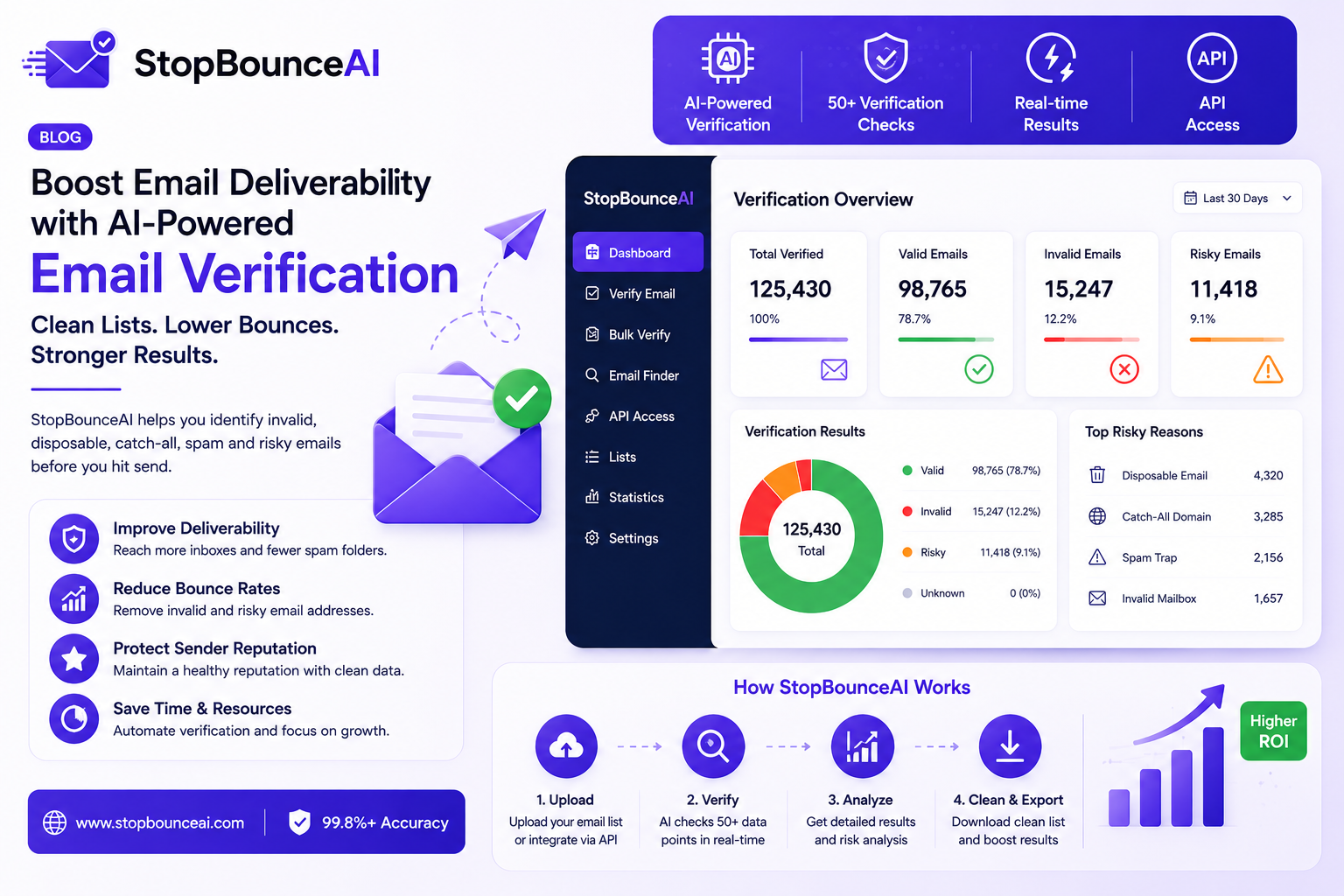
StopBounceAI is an AI-powered email verification and finder platform designed to help businesses identify invalid, disposable, catch-all, spam, and risky email addresses before sending.
StopBounceAI analyzes multiple signals to help businesses understand the quality and potential risk associated with email addresses.
AI-Powered Verification
Analyze multiple signals to identify potentially problematic email addresses.
50+ Verification Checks
Use multiple technical and risk-related checkpoints instead of relying on a basic format check.
Real-Time Results
Verify email addresses quickly before adding them to an active campaign.
Detailed Risk Analysis
Understand different verification outcomes and potential risk categories.
Bulk Email Verification
Process large contact databases efficiently.
Email Finder
Find professional email addresses and verify them before using them for outreach.
API Access
Connect email verification with your applications, CRM systems, databases, and automated workflows.
A Better Email Verification Workflow
A strong email-data workflow can be simple:
- Step 1: Collect - Build your prospect or customer database.
- Step 2: Clean - Remove duplicates, obvious formatting errors, and unnecessary records.
- Step 3: Verify - Run email addresses through an email verification system.
- Step 4: Segment - Separate valid, invalid, catch-all, disposable, risky, and unknown results.
- Step 5: Send - Use the appropriate contacts for your campaign.
- Step 6: Monitor - Track bounce rates, engagement, replies, and other campaign metrics.
- Step 7: Reverify - Keep your database updated as your contact information changes.
Frequently Asked Questions
How can I reduce my email bounce rate?
Start by verifying email addresses before sending, removing clearly invalid contacts, identifying disposable and catch-all addresses, maintaining your database, and monitoring campaign performance.
What causes email bounces?
Common causes include invalid addresses, inactive mailboxes, incorrect domains, full mailboxes, temporary server problems, and other recipient-server restrictions.
Should I remove hard bounces?
Generally, yes. A hard bounce usually indicates a permanent delivery problem, so repeatedly sending to the same address is usually not useful.
Should I remove soft bounces?
Not necessarily. Soft bounces are often temporary. Monitor repeated soft bounces and investigate persistent delivery failures.
Can email verification eliminate all bounces?
No. Verification can help reduce avoidable bounces, but no verification system can guarantee that every email will be delivered successfully.
Does email verification improve deliverability?
Email verification can help improve recipient-list quality and reduce avoidable delivery failures. However, overall deliverability also depends on authentication, sender reputation, engagement, content, sending practices, and receiving-server policies.
How often should I verify my email list?
The right frequency depends on how quickly your database changes and how frequently you send emails. New contacts should ideally be verified before campaign use, while older databases can be reviewed and reverified periodically.
Is email verification useful for cold email?
Yes. Verifying prospect data before cold email campaigns can help identify problematic addresses and improve the quality of your sending list.
Is email verification useful for B2B lead generation?
Yes. B2B databases change frequently, so verification can help sales teams and lead-generation agencies maintain cleaner and more reliable contact data.
Conclusion
A successful email campaign starts with good data.
Sending to invalid, outdated, disposable, or risky email addresses can create unnecessary bounces and waste valuable sending resources.
The solution is to build email verification into your workflow before your campaign is sent.
Verify your emails. Clean your lists. Reduce avoidable bounces. Protect your sending reputation.
With StopBounceAI, you can verify email addresses, identify risky contacts, clean large databases, and build a stronger foundation for your email campaigns.
Verify Smarter. Send With Confidence.
StopBounceAI - AI-Powered Email Verification & Finder
Detect invalid, disposable, catch-all, spam, and risky emails before they become a problem for your campaigns.